
The common player often neglects their camera settings, relying on defaults that hinder situational awareness, leading to Visual Constriction. This is a Default Blindness Fallacy. True gameplay optimization begins with a finely tuned perspective, transforming your view from a limited tunnel into an expansive battlefield. Every camera adjustment is an enhancement to your perception, allowing you to react faster and position more intelligently. “Camera Settings That Instantly Improve Your Gameplay” is the discipline of customizing your visual interface to maximize crucial information, transforming you from a myopic participant into a Perceptive Battlefield Commander. To win, you must stop accepting the default view and start seeing the entire world around you.
The Peril of the Close-Up
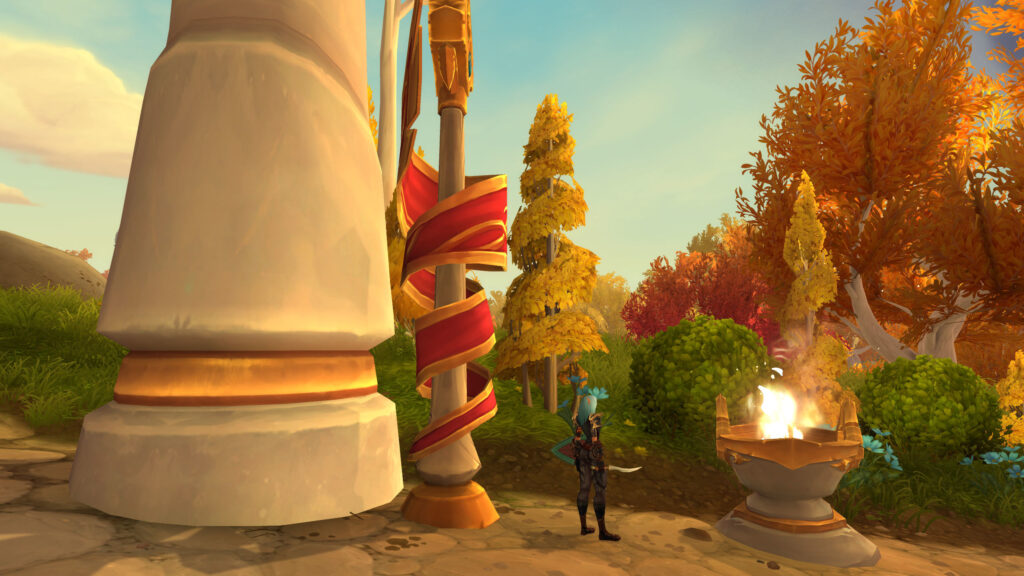
Most players suffer from “Zoom-In Tunnel Vision,” keeping their camera too close to their character. This severely limits their field of view, preventing them from seeing incoming mechanics, enemy positions, or crucial ground effects until it’s too late. This results in Delayed Reaction Time and avoidable damage. A master player, however, practices Maximized Field of View (FoV). They zoom their camera out to the absolute maximum allowed, providing a bird’s-eye perspective of the encounter space. The goal is to see as much as possible, as early as possible, ensuring that every threat, ally, and environmental cue is within their immediate visual grasp, enabling proactive movement and superior tactical decision-making.
The Optimized Camera Configuration Protocol
| Setting Category | Recommended Adjustment | Gameplay Impact | Cognitive Shift |
|---|---|---|---|
| Max Camera Distance | Set to absolute maximum (e.g., `/console cameraDistanceMaxZoomFactor 5`). | Vastly Improved Awareness: See more of the encounter area, mechanics, and enemy positions. | Myopia ➔ Omniscience. |
| Camera Following Style | Set to “Never adjust camera” or “Only when moving.” | Stable View: Prevents unwanted camera shifts during combat, reducing disorientation. | Disorientation ➔ Predictable Perspective. |
| Smart Camera / Auto Follow | Disable both. Set “Camera Adjust” speed to max. | Full Control: Your camera only moves when *you* tell it to, avoiding unexpected changes. | Passive View ➔ Active Control. |
| Action Cam (WoW Default) | Disable entirely. (Unless specifically for casual fun, never for progression). | Clarity: Eliminates jarring cinematic effects that obstruct critical information. | Visual Noise ➔ Combat Clarity. |
| Camera Movement Smoothing | Reduce or disable. | Instant Response: Camera snaps to position faster, no lag in your view. | Visual Lag ➔ Responsive Viewport. |
The “Dynamic Zoom” Technique
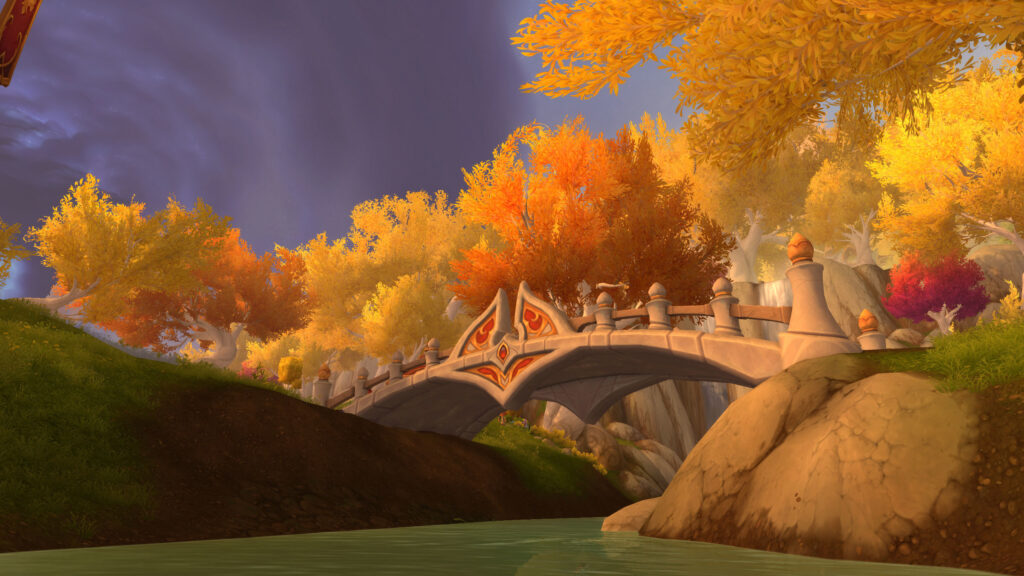
Elite players utilize a Dynamic Zoom Technique, often bound to their mouse wheel. While they keep their camera mostly zoomed out, they will quickly zoom in for precise environmental details (e.g., navigating a tight maze, identifying a specific ground texture), then immediately zoom back out for broad awareness. This prevents Detail Blindness that can sometimes occur at maximum zoom. This fluidity allows them to gather both macro-level strategic information and micro-level positional cues, maximizing their visual data input in real-time without sacrificing either, turning a static view into an adaptable, powerful lens.
The “Camera as a Weapon” Philosophy
A master of camera settings views their perspective as a “Camera as a Weapon” Philosophy. By seeing more, they gain a tactical advantage. They can anticipate enemy movements, position for interrupts before the cast starts, or warn teammates about incoming threats that are still off-screen for others. This enhanced foresight directly translates into proactive plays that save lives and increase damage output. It transforms a seemingly passive setting into an active component of their combat effectiveness, fundamentally altering their decision-making process by providing a wider, earlier stream of critical information that combats Reactive Delay and fosters an anticipatory playstyle.
Conclusion: The Master of Visual Domain
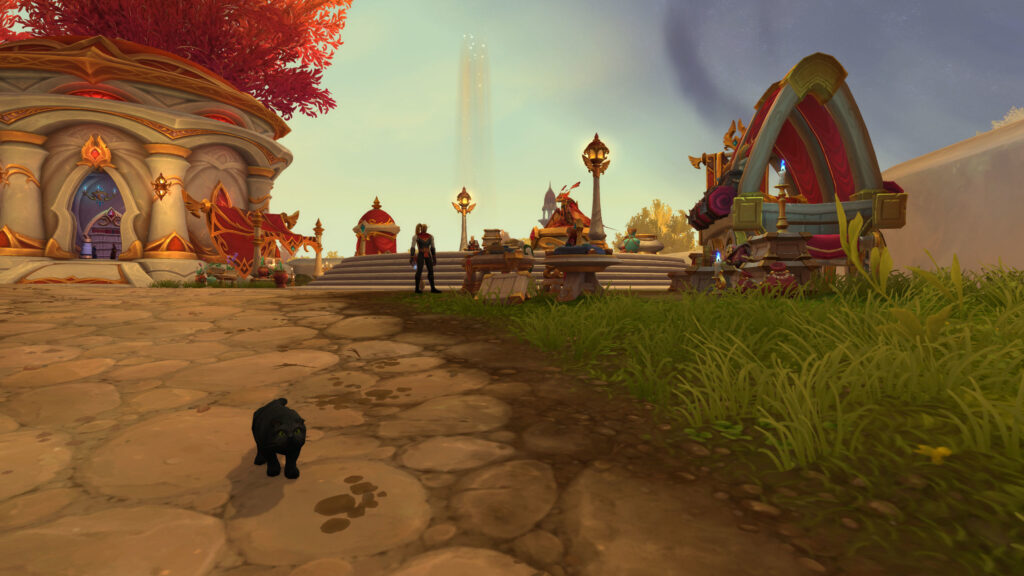
Your ability to dominate in Azeroth is not just about your character’s power; it is profoundly influenced by the information you can perceive. By mastering your camera settings, you transform your gameplay experience from a constrained struggle into an expansive, informed advantage. You realize that a clear, wide view is the foundation for superior reaction times and strategic positioning. Stop being limited by default views; start optimizing your perspective for peak performance. Cultivate these camera adjustments, and watch as your awareness sharpens, your reaction times accelerate, and your overall contribution to any group skyrockets. You are the architect of your own visual supremacy, and the master of an unparalleled view of the battlefield.
Author Profile

- Hey there, fellow gamers! I’m Lillian Bates, the pixel-pushing wordsmith behind some of the most electrifying gaming stories. Armed with a controller in one hand and a pen in the other, I’ve dedicated my life to exploring virtual realms and unearthing hidden gems. From the darkest corners of the indie scene to the blockbuster battlefields, I’m your guide through the ever-evolving landscape of interactive entertainment. So grab your snacks, buckle up, and let’s embark on an epic quest together!
Latest entries
 DefaultSeptember 7, 2026Understanding Avoidance and Leech: The Most Underrated Stats for Progression Raiding Survival
 DefaultAugust 5, 2026Blizzard and Flamestrike: Mage Area of Effect Gold Farming Strategies in Classic World of Warcraft
- DefaultJune 26, 2026Azeroth’s Secret Encounters: How to Unlock and Defeat Hidden Bosses in Every Expansion
 DefaultMay 27, 2026The Road to 60: Why It Makes Sense to Buy Classic WoW Gold for Your Alt
Leave a Reply