
The common player often clutters their screen with excessive addons and unoptimized information, leading to Visual Overload. This is an Information Suffocation Fallacy. True combat efficiency is not about having every possible piece of data displayed; it is the strategic reduction of visual noise to highlight only the most critical, actionable information. Every extraneous UI element detracts from your focus and reaction time. “The Minimalist UI Challenge” is the discipline of stripping away unnecessary clutter, transforming your screen from a chaotic dashboard into a Laser-Focused Command Center. To win, you must stop overwhelming your eyes and start seeing only what truly matters for peak performance.
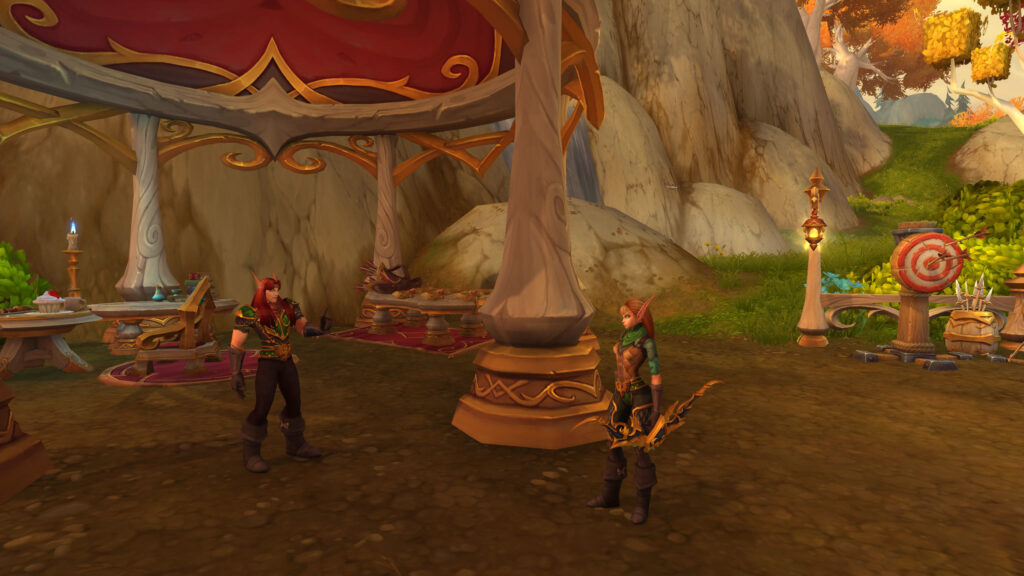
The Burden of “More is Better”
Most players suffer from Addon Addiction, installing countless interfaces that duplicate information or display irrelevant data, leading to a profound sense of Sensory Distraction. This results in slower reaction times, missed mechanics, and general disorientation during intense moments. A master UI designer, however, practices Ruthless Prioritization. They understand that every element on their screen competes for attention. Their goal is to eliminate anything that doesn’t provide immediate, actionable insight for their role. The focus is on clean, centralized information: core cooldowns, boss cast bars, critical debuffs, and a clear view of the combat space. The less visual noise, the faster the brain can process critical cues, ensuring that your eyes are always drawn to the most important elements of the fight, not a sprawling mess of non-essential data.
The Minimalist UI Principles
- Centralize Critical Information: Place your health, mana/resource bar, and key ability cooldowns near the center of your screen, close to your character. This minimizes eye movement.
- Hide Non-Essential UI: Auto-hide action bars, quest tracker, minimap (or make it very small/transparent) during combat. Toggle them back on when needed.
- Reduce Chat Clutter: Filter your combat log to show only relevant information. Create separate chat tabs for guild/group chat versus spam.
- Consolidate Addon Data: Use addons like WeakAuras to combine multiple pieces of information into one concise, visually clear display (e.g., a single bar showing a boss mechanic’s timer, stack count, and who is targeted).
- Scale Down Irrelevant Elements: Reduce the size of unit frames for non-priority targets (e.g., raid frames for DPS/Healers can be smaller than tank frames).
- Transparent Backgrounds: Use transparent or very subtle backgrounds for any addon frames to maximize visibility of the game world.
- Test in Combat: Always test your UI in actual raid/dungeon combat. What looks good in town can be chaotic under pressure. Adjust accordingly.
- Less is More: If an addon isn’t providing a *critical* piece of information that you *actively* use to make decisions, consider removing it.
The “Cognitive Offload” Advantage
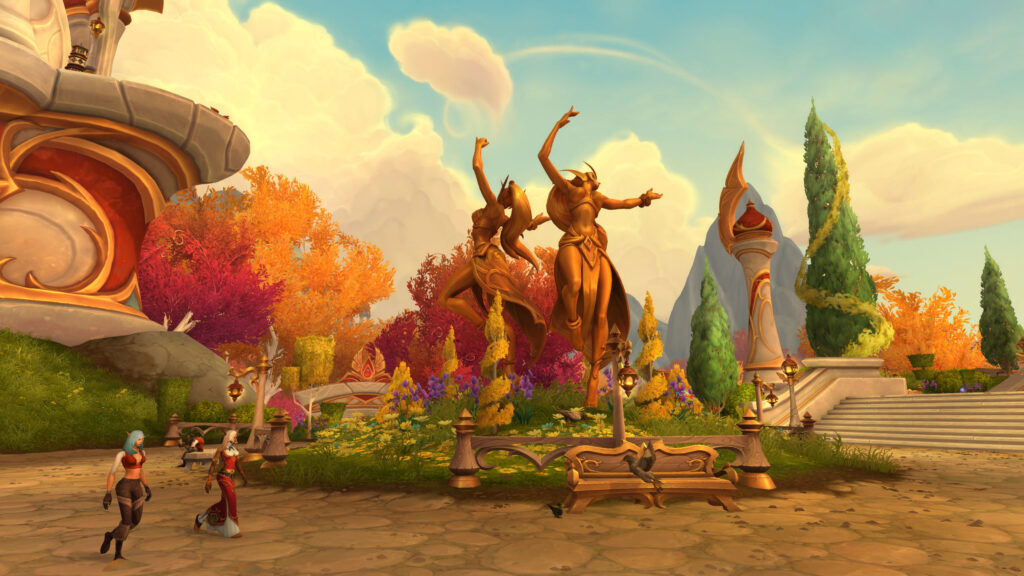
Elite players understand the Cognitive Offload Advantage of a minimalist UI. By reducing the number of data points their brain has to process, they free up mental bandwidth for higher-level strategic thinking (e.g., anticipating enemy cooldowns, predicting player movement, micro-optimizing their rotation). Instead of actively searching for information amidst clutter, the critical data is immediately presented. This minimizes Mental Search Time and allows for faster reaction times and more fluid decision-making, transforming a busy mental process into an intuitive response during complex encounters.
The “Dynamic Display” Philosophy
A master UI architect adopts a Dynamic Display Philosophy. This means that information only appears on screen *when it is relevant*. For example, a WeakAura for a defensive cooldown only becomes visible when the cooldown is ready or when you are below a certain health threshold. A boss mechanic timer only pops up when that mechanic is about to occur. This contrasts with static displays that show everything all the time. This intelligent use of visibility prevents Permanent Irrelevant Data Display and ensures that your screen remains clean and uncluttered until a critical piece of information demands your immediate attention, making every visual cue impactful.
Conclusion: The Master of Visual Clarity

Your ability to excel in high-stakes content is not just about your reflexes; it is profoundly influenced by what you see and how you process it. By mastering the Minimalist UI Challenge, you transform your screen from an obstacle into a potent tool for focus and precision. You realize that a clear view of the battlefield is paramount for optimal decision-making and rapid reactions. Stop suffocating your senses with unnecessary data; start curating a UI that empowers your every action. Cultivate a lean, purposeful interface, and watch as your focus sharpens, your reaction times accelerate, and your overall play elevates to new heights. You are the architect of your own visual advantage, and the master of unparalleled clarity in combat.
Author Profile

- Hey there, fellow gamers! I’m Lillian Bates, the pixel-pushing wordsmith behind some of the most electrifying gaming stories. Armed with a controller in one hand and a pen in the other, I’ve dedicated my life to exploring virtual realms and unearthing hidden gems. From the darkest corners of the indie scene to the blockbuster battlefields, I’m your guide through the ever-evolving landscape of interactive entertainment. So grab your snacks, buckle up, and let’s embark on an epic quest together!
Latest entries
 DefaultSeptember 7, 2026Understanding Avoidance and Leech: The Most Underrated Stats for Progression Raiding Survival
 DefaultAugust 5, 2026Blizzard and Flamestrike: Mage Area of Effect Gold Farming Strategies in Classic World of Warcraft
- DefaultJune 26, 2026Azeroth’s Secret Encounters: How to Unlock and Defeat Hidden Bosses in Every Expansion
 DefaultMay 27, 2026The Road to 60: Why It Makes Sense to Buy Classic WoW Gold for Your Alt
Leave a Reply